Can the Approval Management Software support multiple levels of approval?
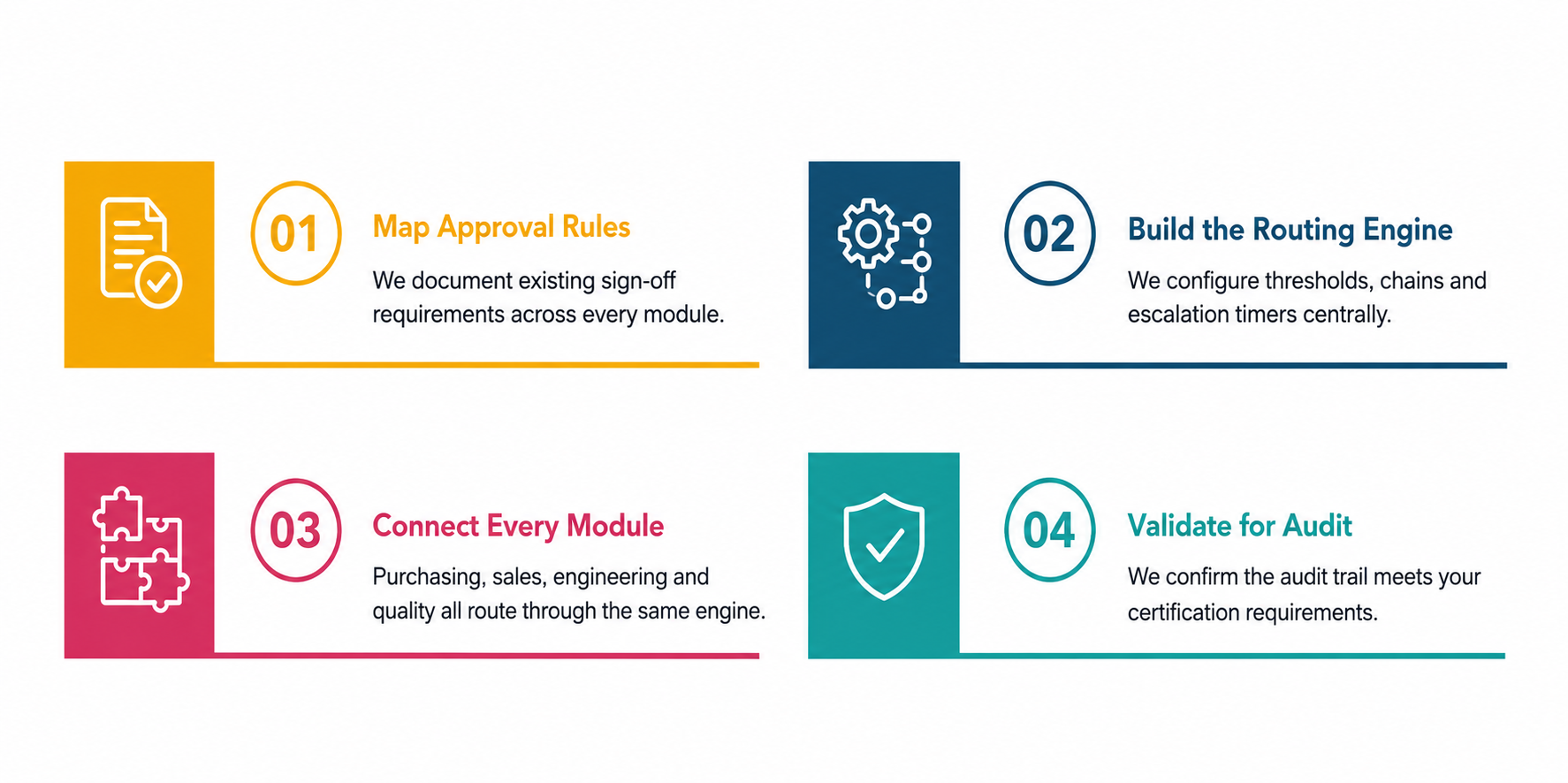
Yes. The Approval Management System can manage multi-level approval workflows where a request passes through several people before receiving final authorization. For example, a purchase request may require approval from a department manager, finance team and senior executive based on its value. Sequential or parallel approval flows can be configured according to your organization's hierarchy and business requirements.
Which business processes can be managed through approval workflows?
Approval workflows can be used for purchase requisitions, purchase orders, invoices, expense claims, employee leave, travel requests, sales discounts, quotations, budgets, contracts and document approvals. Each process can have its own approval rules and authorization levels. This allows departments such as finance, procurement, HR and sales to manage their requests through structured digital workflows.
How does Approval management software reduce delays in business processes?
The Approval management software automatically sends requests to the assigned approvers and provides visibility into pending actions. Approvers receive notifications when their response is required, while requesters can check the status without repeatedly contacting different departments. This reduces missed approvals, unclear ownership and manual follow-ups, helping businesses move routine requests through the approval process faster.
Can approval requests be reviewed and approved remotely?
Yes. Depending on the system configuration, authorized users can review and respond to approval requests through web or mobile access. This allows managers to approve or reject requests even when they are working remotely or traveling. Notifications can alert them when action is needed, helping prevent important business transactions from being delayed because an approver is away from the office.
Does the module maintain approval history and audit records?
Yes. The approval management system can maintain a record of approval activities, including who reviewed the request, the decision taken, the date of action and any comments provided. This creates a clear history of how each request moved through the workflow. Businesses can use this information for internal reviews, management visibility, compliance requirements and audits.
Can different departments have different approval workflows?
Yes. Each department can have approval workflows based on its specific processes and authorization requirements. Procurement may use value-based purchase approvals, finance may require invoice verification, HR may manage leave requests and sales may require discount authorization. Separate workflows can have different approvers, conditions and approval sequences while still following the organization's overall approval policies.
What happens when an approval request is rejected?
When a request is rejected, the system can stop the workflow or return it to the requester for correction, depending on the configured process. The approver can add comments explaining the reason for rejection or required changes. Once the requester updates the information, the request can be resubmitted and routed through the appropriate approval process again.