What CRM processes can be automated?
Businesses can automate lead capture, lead assignment, follow-up reminders, email sequences, sales pipeline updates, customer notifications, task creation and data entry. CRM automation can also support customer service workflows, marketing handoffs, approval processes and reporting. The best processes to automate are repetitive, rule-based activities that follow a predictable sequence.
How does CRM automation improve lead management?
CRM and Sales automation helps businesses capture and organise leads as soon as they enter the system. Leads can be automatically assigned based on location, industry, product interest or other criteria. The system can also create follow-up tasks, send notifications and trigger nurturing workflows, reducing the risk of leads being missed or left without timely follow-up.
Can CRM automation handle sales follow-ups?
Yes. CRM and Sales automation can create reminders, tasks, emails and notifications based on specific dates, customer actions or sales pipeline stages. For example, a follow-up task can be automatically created after a proposal is sent. Sales teams can still take over when a prospect requires a personal conversation or more complex engagement.
Can CRM automation integrate with other business systems?
Yes. CRM automation tools can connect with ERP platforms, accounting software, email tools, customer support systems, payment platforms and other business applications. Through APIs or native integrations, information can move between systems automatically, reducing duplicate data entry and giving teams access to more complete customer and business information.
Does CRM automation work with existing CRM software?
CRM automation tools can be implemented within an existing CRM platform using built-in workflow tools, APIs or third-party integration platforms. The exact approach depends on the CRM system, business requirements and applications involved. Existing workflows can also be reviewed and improved without replacing the entire CRM system.
How do businesses get started with CRM workflow automation?
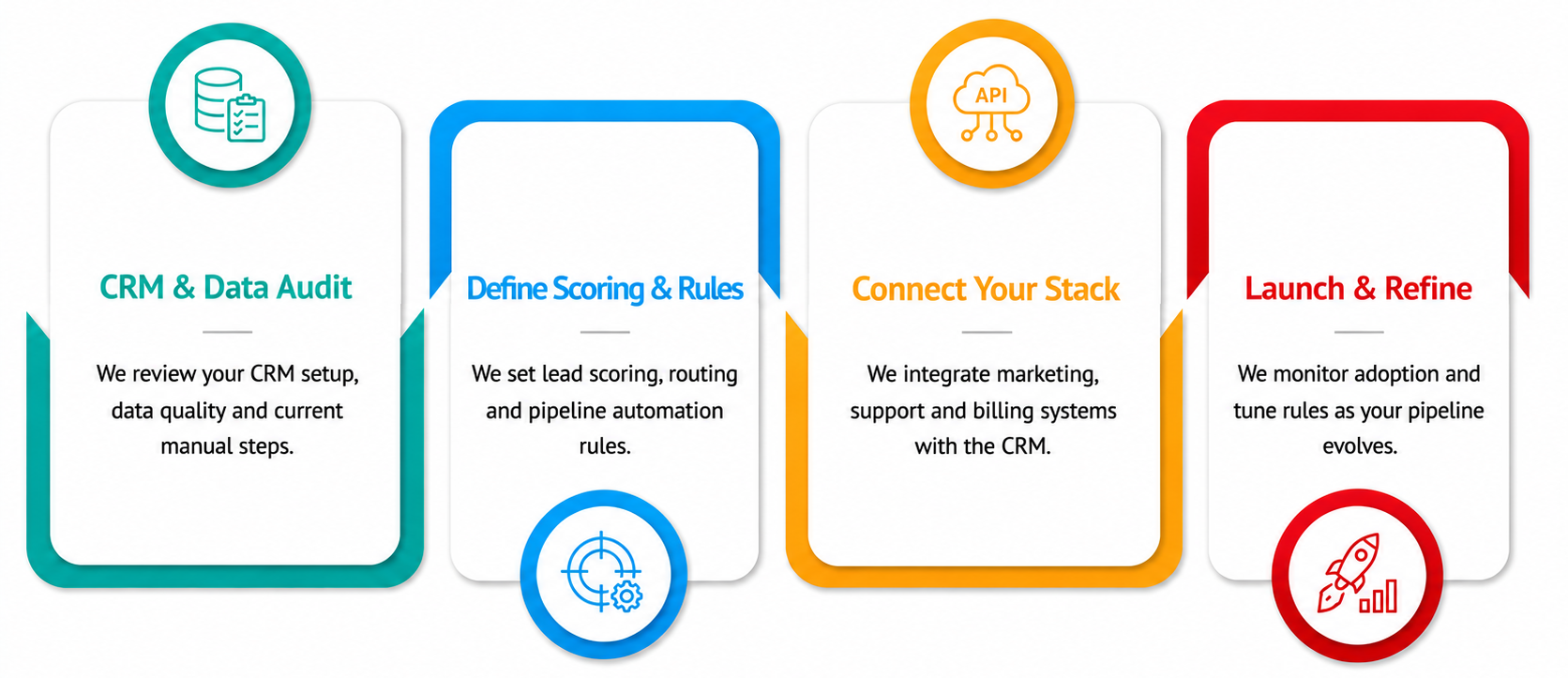
Start by identifying repetitive CRM tasks that consume time or frequently cause delays. Review the current workflow, define what should happen automatically and identify the systems that need to connect. Then build and test the workflow with real business scenarios before deployment. Businesses should monitor the results and refine their automation as processes and requirements change.
How does CRM automation reduce manual data entry?
CRM automation tools can transfer information between forms, emails, applications and connected business systems without requiring employees to enter the same data repeatedly. For example, information submitted through a website form can automatically create a contact record and trigger the appropriate workflow. This reduces repetitive data entry, saves employee time and helps minimise errors caused by manually copying information between systems.
Can CRM automation identify inactive customers?
CRM automation tools can monitor customer activity and trigger actions when predefined inactivity conditions are met. For example, a workflow can identify customers who have not purchased, responded or interacted with the business for a specific period. The system can then create a follow-up task, notify an account manager or start a re-engagement campaign based on the business's retention strategy.