What is OCR and how does it work?
OCR (Optical Character Recognition) converts text from scanned documents, images and PDFs into machine-readable data. It can recognize printed text, numbers and characters, making them searchable and easier to process digitally. OCR is commonly used to capture information from invoices, receipts, forms and other documents that would otherwise require manual data entry.
What is Intelligent Document Processing?
Intelligent Document Processing (IDP) uses OCR, AI and machine learning to understand and extract information from business documents. Unlike basic OCR, IDP can classify documents, identify relevant fields, extract structured data and route information into business workflows. It can process invoices, purchase orders, forms, contracts, applications and other structured or unstructured documents.
What types of documents can OCR and intelligent document processing (IDP) process?
OCR and intelligent document processing (IDP) can process invoices, receipts, purchase orders, contracts, forms, applications, bank statements, claims, shipping documents and other business records. Depending on the solution, they can work with scanned images, PDFs and digital documents. Custom extraction models can also be configured for industry-specific documents and unique business requirements.
Can OCR and IDP automate invoice processing?
Yes. Intelligent document processing (IDP) can capture invoices from emails, uploads or scanned files and extract information such as vendor names, invoice numbers, dates, tax amounts, totals and line items. The data can then be validated and transferred to accounting or ERP systems. Invoices that require additional verification can be automatically routed to the appropriate employee for review.
Can Intelligent Document Processing handle handwritten documents?
Yes, some OCR and intelligent document processing (IDP) technologies can recognize handwritten text, but accuracy depends on handwriting quality, document condition, language and the technology used. Clear handwriting generally produces better results than inconsistent or cursive writing. For important documents, businesses can combine automated extraction with confidence checks and human validation to verify uncertain information.
How accurate are OCR and Intelligent Document Processing solutions?
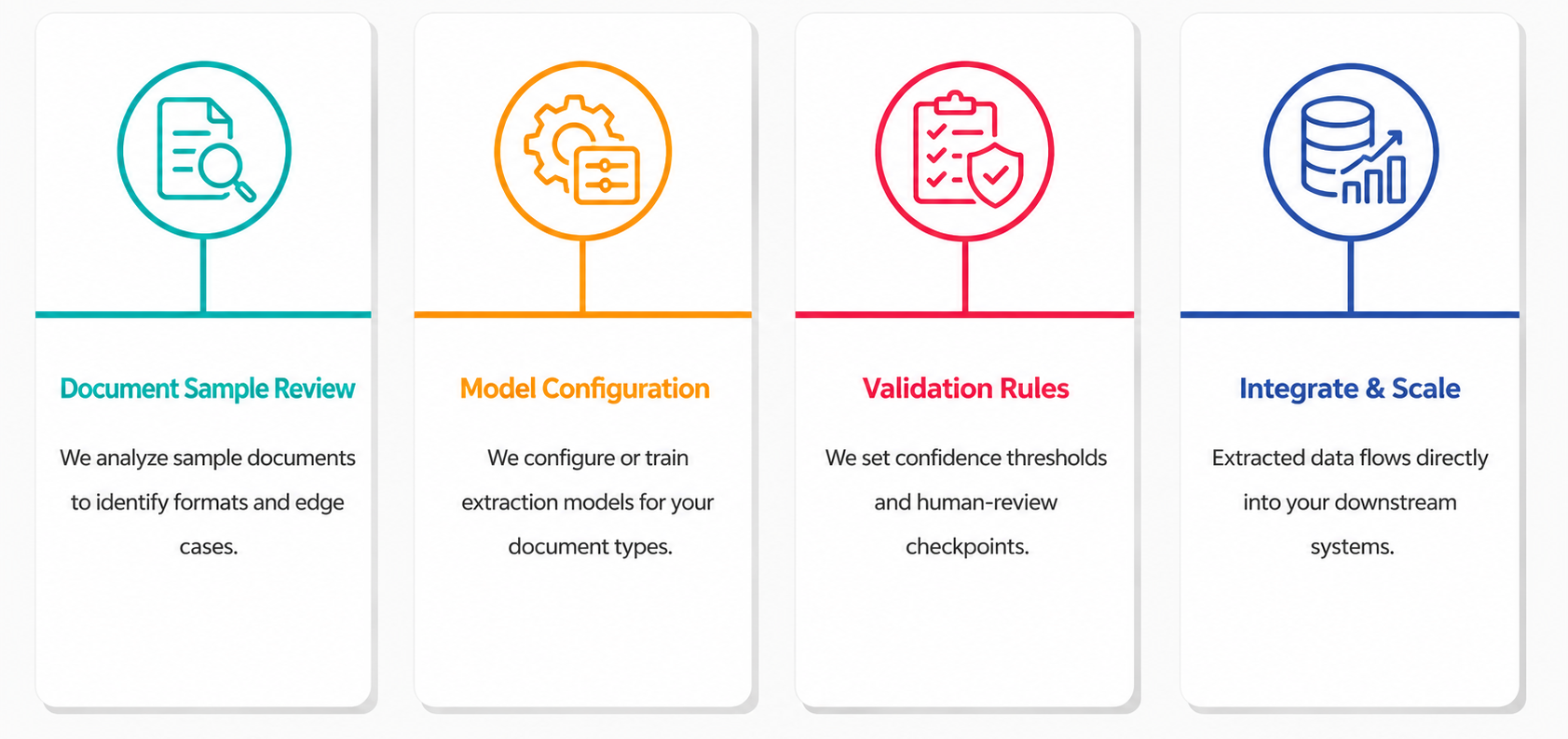
Accuracy depends on document quality, image resolution, layout, handwriting, language, and the type of information being extracted. Clear digital documents generally produce better results than poor-quality scans. Businesses can improve reliability by using validation rules, confidence scoring, custom extraction models and human review for uncertain results before data is passed to important business systems.
How does IDP reduce manual document processing?
Intelligent document processing (IDP) reduces manual work by automating document capture, classification, data extraction, validation and routing. Instead of employees reading documents and entering information into business systems manually, the technology extracts relevant data and sends it through predefined workflows. This helps reduce repetitive data entry, improve processing speed and allow teams to focus on exceptions and higher-value tasks.
Can IDP process documents with different layouts?
Modern intelligent document processing solutions can process structured, semi-structured and unstructured documents. They can identify relevant information even when fields appear in different positions or formats. Businesses can use prebuilt models for common documents or configure custom models for specific document types. Document classification can also determine the appropriate extraction method for each incoming file.